How a Computer Actually Runs an Application
CPU, RAM, Storage and the Operating System
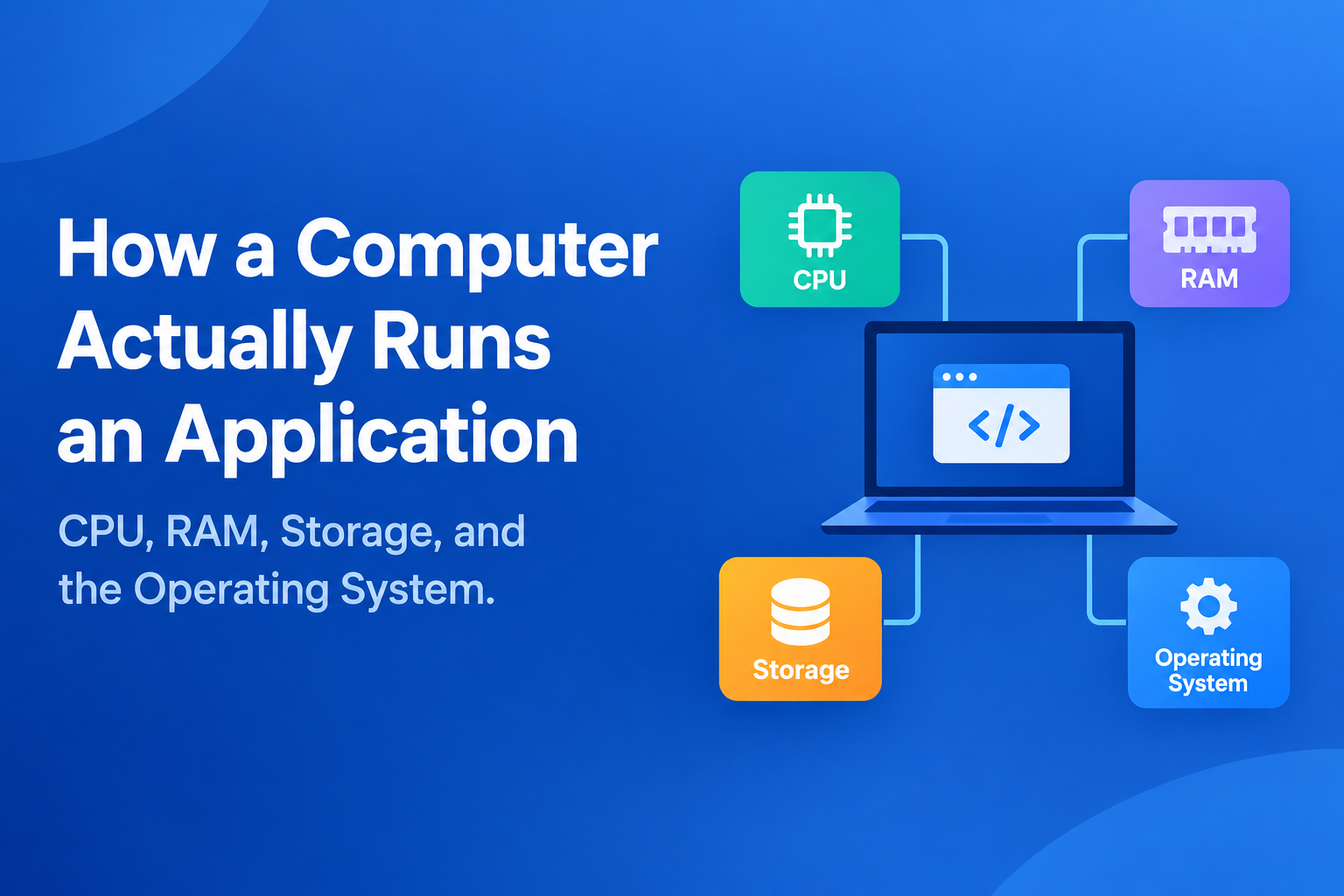
When you open an application, it may appear to start instantly. However, underneath that simple action, the computer is coordinating several different components to make the application execute.
The application is stored persistently on a storage device. The operating system makes the required code and data available in memory, creates a process to represent the running application, and schedules CPU time for it. The CPU then executes the instructions while the operating system manages access to the system's resources.
Understanding all these provides the foundation for understanding servers, virtual machines, containers, and cloud infrastructure. Let's take a dive.
1. Storage: Where Programs and Data Persist
Applications need a place to live when they are not running.
On modern computers, that place is usually an SSD or HDD.
Storage is persistent, which means that its contents generally survive a system shutdown or power loss.
For example, installing a Python application might place several files on an SSD:
SSD
├── application files
├── libraries
├── configuration files
└── other resources
The important distinction is that storage is designed for persistent data, not as the computer's primary working area while programs execute.
When you start an application, the operating system retrieves the data and instructions it needs from storage and makes them available to the running program through memory.
2. RAM: The Computer's Working Memory
RAM (Random Access Memory) is the computer's primary working memory.
Unlike storage, RAM is volatile. Its contents are lost when power is removed/disconnected.
When an application runs, the operating system uses RAM to hold the code, data, and other information required by the running processes.
A simplified representation is:
Persistent Storage
        │
        │ Required data and instructions
        ▼
       RAM
        │
        ▼
      CPU
RAM is therefore not where an application permanently lives. It is where the system keeps information that needs to be accessed while work is being performed.
The amount of available RAM directly affects how many workloads a computer can comfortably keep active.
3. CPU: Executing the Instructions
The CPU (Central Processing Unit) executes instructions.
A program consists of instructions that tell the processor what operations to perform. These instructions may involve calculations, comparisons, moving data, making decisions, or interacting with other parts of the system.
The CPU repeatedly performs a basic cycle of fetching, decoding, and executing instructions.
For example, an application might need to calculate:
total = price × quantity
The CPU performs the underlying operations required to produce that result.
RAM provides the CPU with the working data and instructions it needs, while persistent storage retains the application's files.
This gives us three distinct responsibilities:
| Component | Primary role |
|---|---|
| Storage | Persistently stores data and program files |
| RAM | Holds actively used code and data |
| CPU | Executes instructions |
These components are complementary; none of them replaces the others.
4. From a Program to a Process
A program stored on an SSD is not the same thing as a running process.
A program is the set of instructions and associated files that make up an application.
A process is a running instance of that program managed by the operating system.
Suppose you have:
python application.py
The file exists on storage.
When you execute it, the operating system creates a process for that running instance.
If you launch the application again, another process may be created:
application.py
      │
      ├── Process 1
      │
      └── Process 2
Each process requires resources such as memory and CPU time.
This is why running multiple application or multiple instances of the same application can increase resource consumption.
5. The Operating System: Managing the Resources
The CPU, RAM, storage, network interfaces, and running processes all need to be coordinated.
That is one of the primary responsibilities of the operating system (OS).
The operating system manages resources and provides applications with controlled ways to use them.
Among its responsibilities are:
scheduling processes on the CPU
allocating and managing memory
managing files and storage
providing networking capabilities
enforcing permissions
managing hardware devices
creating and terminating processes
Without the operating system, applications would have to manage hardware directly and coordinate with every other program running on the machine.
Instead, the OS provides a layer of abstraction between applications and the underlying hardware.
┌─────────────────────────┐
│      Applications       │
├─────────────────────────┤
│    Operating System     │
├─────────────────────────┤
│ CPU │ RAM │ Storage │I/O│
└─────────────────────────┘
6. The Kernel: The Core of the Operating System
At the center of the operating system is the kernel.
The kernel operates with privileged access to hardware and manages fundamental system resources.
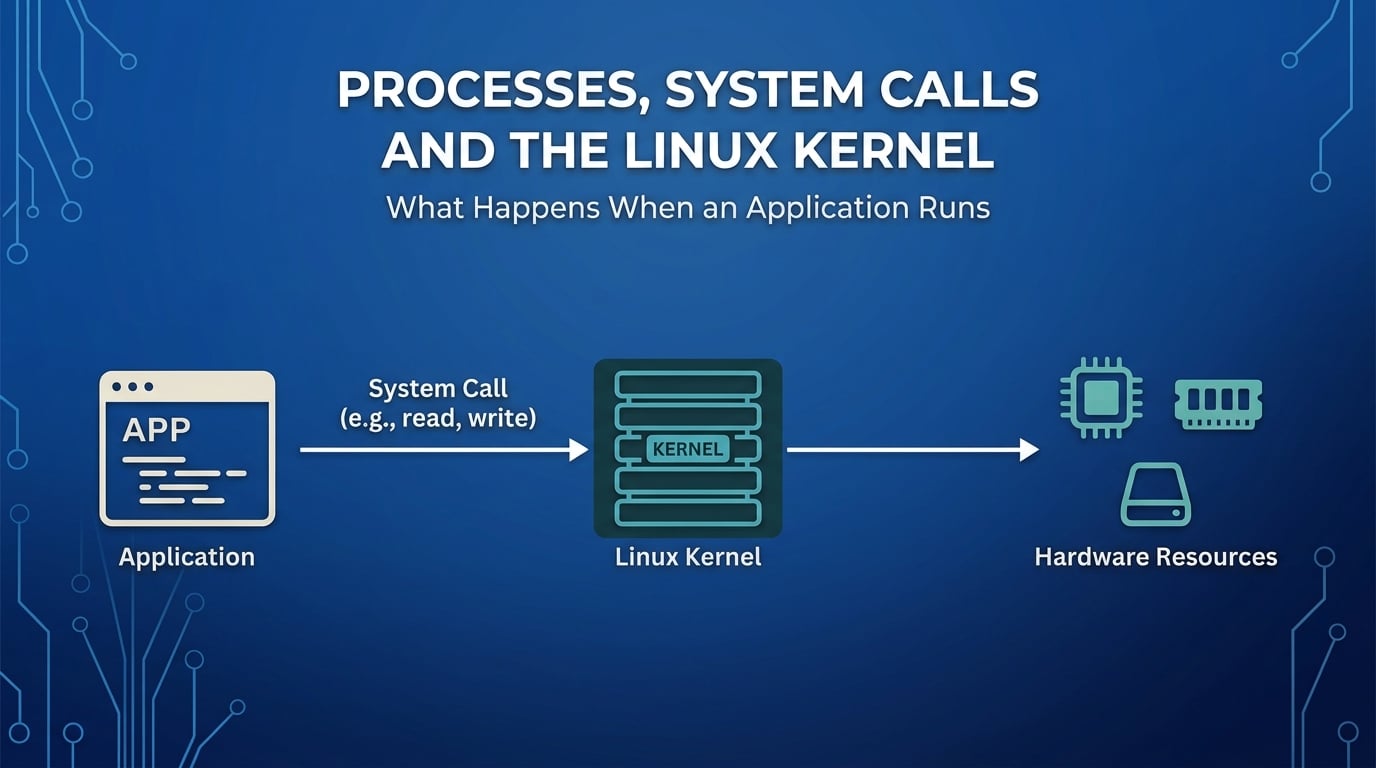
Applications normally operate in user space and they request privileged operations from the kernel through controlled interfaces called system calls.
For example, if an application needs to read a file, it doesn't normally reach into the SSD and retrieve the file by itself.
A simplified flow is:
Application
     │
     │ system call
     ▼
   Kernel
     │
     ▼
 File system / Storage
     │
     ▼
   Kernel
     │
     ▼
Application
This separation provides both security and resource management.
An application should not be able to arbitrarily modify another application's memory, access protected files, or directly control hardware without the operating system enforcing the appropriate rules.
7. What Happens When RAM Runs Out?
RAM is finite.
Suppose a computer has 4 GB of RAM, but its workloads collectively require more memory than is currently available.
The operating system can use virtual memory to extend the available address space. One mechanism involves moving memory pages between RAM and storage.
When memory pages are moved out of RAM to storage, this can create additional room for active workloads.
When those pages are needed again, they must be brought back into RAM.
The problem is performance.
RAM is significantly faster for working-memory operations than SSD storage. If the system constantly moves data between RAM and storage, the CPU may spend more time waiting for memory operations to complete.
This condition can cause severe performance degradation and is commonly associated with paging or swapping, depending on the operating system and implementation.
The important point here is:
Virtual memory can help a system operate when physical RAM is insufficient, but it does not turn storage into RAM.
8. Putting the Execution Process Together
We can now follow an application from storage to execution.
Suppose a Python application is installed on a computer.
Step 1: The application is stored
Its files reside on persistent storage.
SSD
└── Python application
Step 2: The application is launched
The operating system receives the request to start the program.
Step 3: Required code and data are made available
The operating system loads the necessary information into memory as required.
Step 4: A process is created
The OS creates a process representing the running application.
Step 5: The CPU executes instructions
The CPU executes the instructions associated with the process.
Step 6: The OS continues managing the workload
While the application runs, the operating system manages its CPU time, memory, files, networking, permissions, and interactions with other processes.
The simplified flow is:
Application files
      │
      ▼
Persistent Storage
      │
      ▼
Operating System
      │
      ▼
     RAM
      │
      ▼
   Process
      │
      ▼
     CPU
      │
      ▼
Instructions executed
This is the fundamental execution model behind the applications we use every day.
9. What Happens When the Application Stops?
When a process terminates, the operating system can reclaim the memory and other resources that were allocated to that process.
The process disappears, but its persistent application files remain on storage.
For example:
Before termination:

SSD ──► Application files
          │
          ▼
        Process
          │
          ▼
       RAM + CPU


After termination:

SSD ──► Application files

Process ──► terminated
RAM     ──► resources reclaimed
CPU     ──► available for other work
This distinction between execution state and persistent data becomes particularly important when designing reliable systems.
10. Why These Concepts Matter in Cloud Engineering
Cloud computing does not replace these fundamental computer concepts. It builds infrastructure around them.
Consider an AWS EC2 instance running Ubuntu.
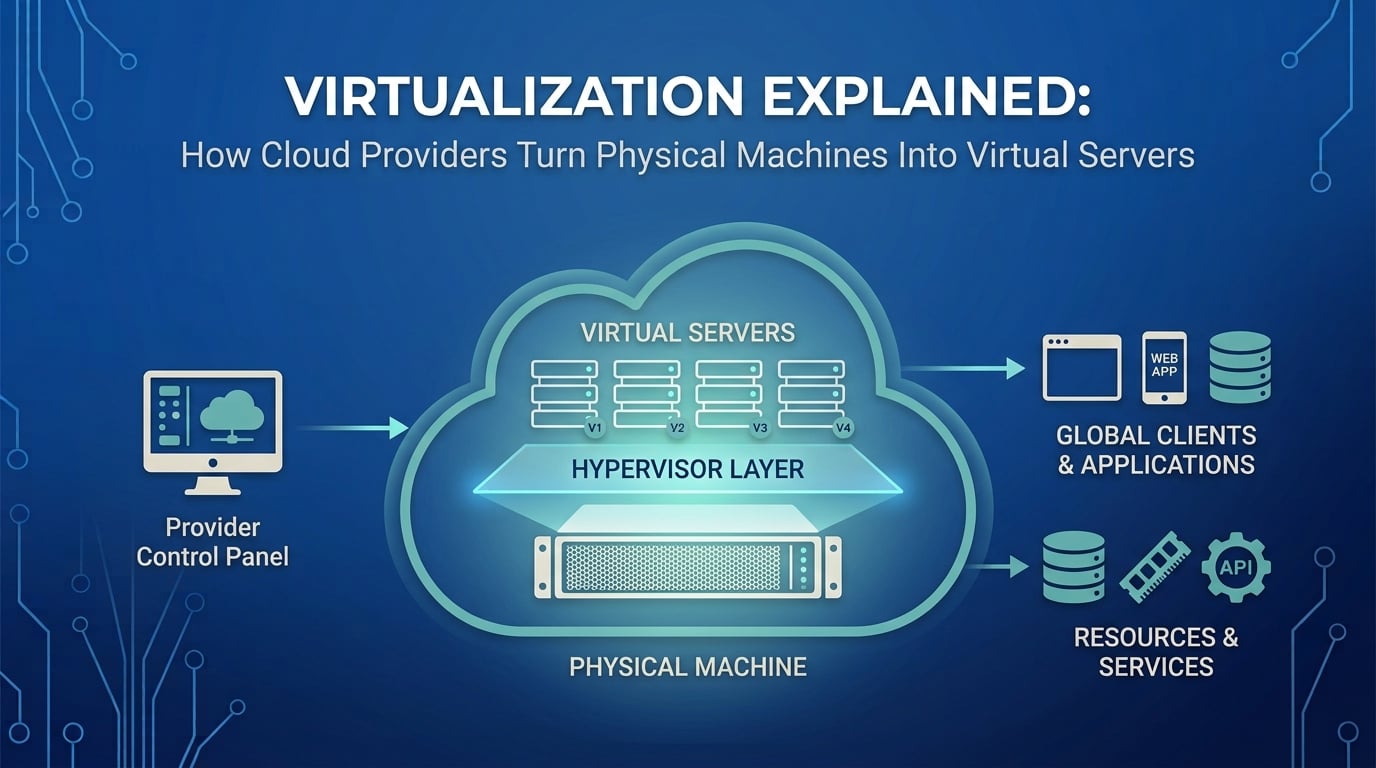
The EC2 instance provides a virtualized computing environment containing resources such as:
virtual CPUs
memory
storage
networking
Ubuntu is the operating system managing that environment.
An application running on the EC2 instance becomes a process managed by Ubuntu. That process consumes CPU and memory, accesses storage through the operating system, and communicates over the network using the operating system's networking stack.
Conceptually:
              EC2 Instance
┌──────────────────────────────────┐
│          Ubuntu Linux            │
│                                  │
│     ┌────────────────────┐       │
│     │ Application Process│       │
│     └────────────────────┘       │
│              │                   │
│       CPU + RAM + Storage        │
│              │                   │
│          Networking              │
└──────────────────────────────────┘
The cloud provider abstracts much of the physical infrastructure underneath this environment, but the underlying principles remain the same.
A virtual CPU still executes instructions.
Memory is still used by running workloads.
Storage still provides persistent data.
The operating system still manages processes and resources.
This is why understanding computer fundamentals is important before diving deeply into cloud services. When AWS presents you with an EC2 instance, you're ultimately managing a computer—just a virtualized one.
Conclusion
A running application is the result of several layers working together.
Storage provides persistent space for programs and data.
RAM provides working memory for active workloads.
The CPU executes the instructions that make those workloads operate.
A process represents a running instance of a program.
The operating system coordinates these resources and provides applications with controlled access to them.
The kernel provides the privileged core through which the operating system manages hardware and system resources.
The relationship can be summarized as:
             APPLICATION
                  │
                  ▼
               PROCESS
                  │
                  ▼
          OPERATING SYSTEM
            /     |      \
           /      |       \
         CPU     RAM   STORAGE
          │       │        │
          └───────┴────────┘
             System resources
Once these relationships are clear, concepts such as virtual machines, EC2 instances, containers, scaling, load balancing, and cloud architecture become much easier to reason about.
The cloud may look like a collection of sophisticated services, but underneath those services are the same fundamental computing principles: processors executing instructions, memory holding working data, storage retaining persistent information, and operating systems coordinating it all.